
Comments in Orchard
Welcome to Orchard Beginner! Comments are what make a blog/website more interactive and more social. In this post we'll be talking about how to handle and moderate comments for your Orchard website. Let's get started.
Go to the Settings area and click on Comments. In order to enable Moderation for Comments on your blog/website check the CheckBox for "Comments must be approved before they appear". And you can even set number of days after which the comments are closed automatically.

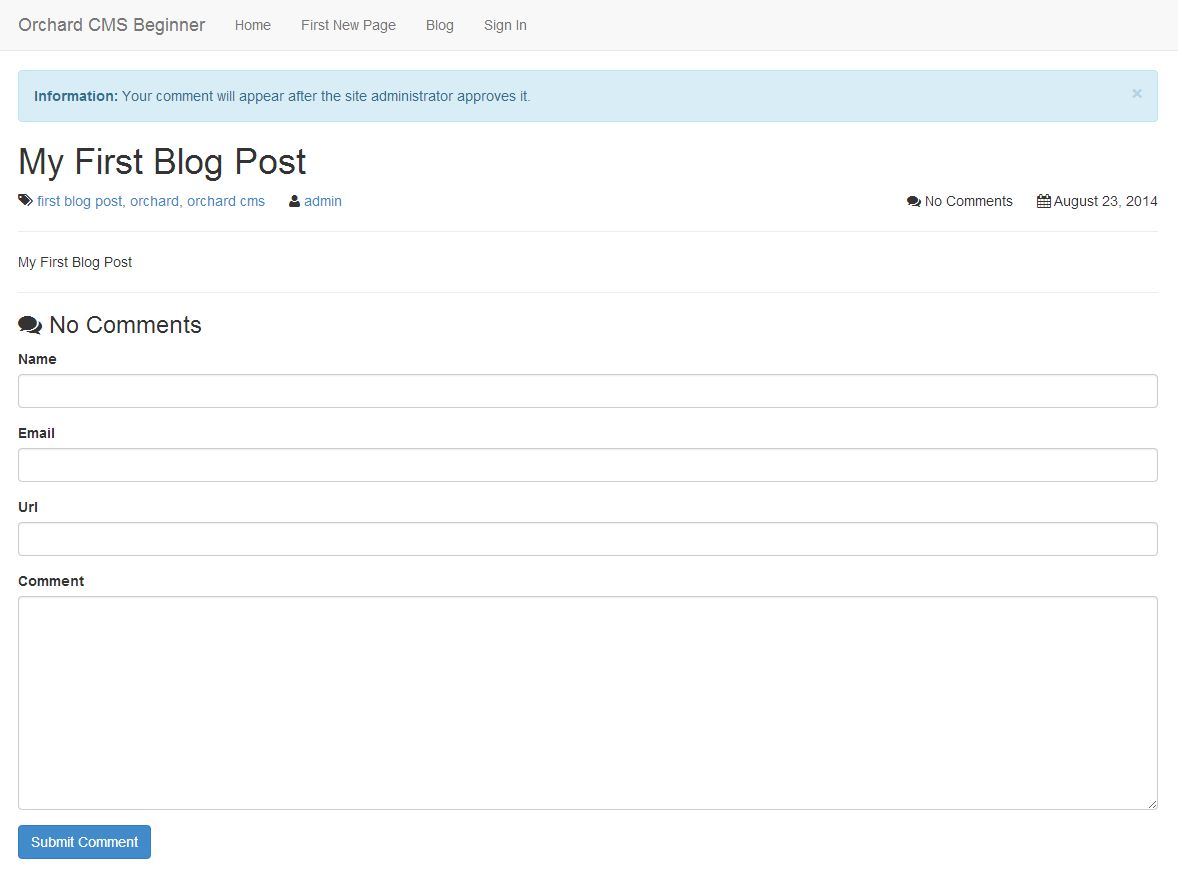
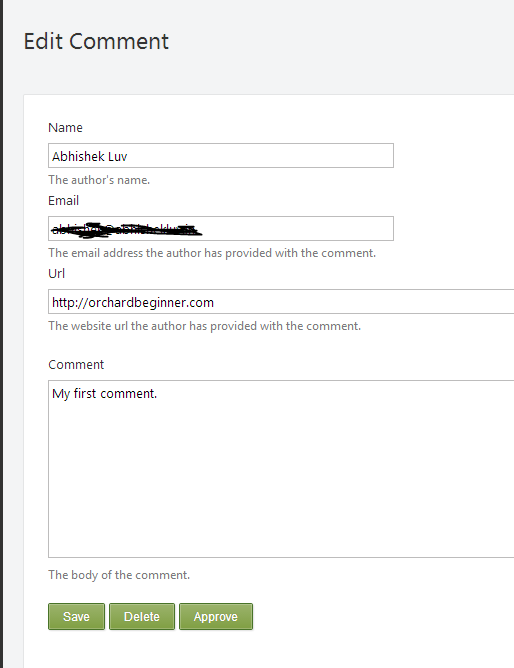
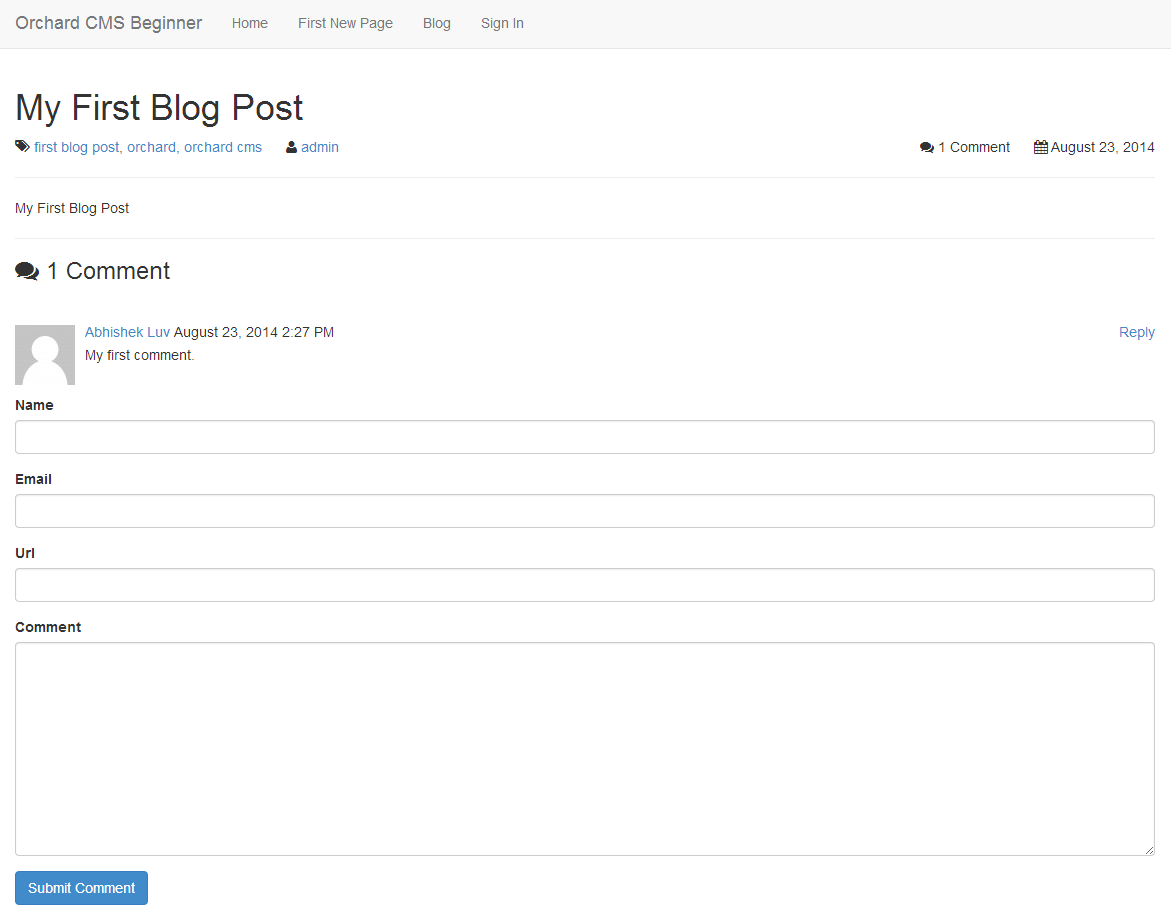
Now the next time when somebody comments on your Blog that comments will be Moderated and the user who posted the comment will be greeted with a message "Your comment will appear after the site administrator approves it". And then you can go to the Comments area and approve the comments appropriately.


Happy Orcharding!